
An export needs a scope
Before relying on an exported file, define the rows and fields you expect. One narrow Taoro lead CSV design shows what to inspect and what stays outside.
You have selected a set of lead records and are about to export them into a spreadsheet. You need to know whether the file will contain the information required for your next task. That is a reasonable concern: the selection, the export rules and the output fields each affect what reaches the file.
Our suggested starting point is a short scope note. It names the rows you intend to export, the columns you need and any exclusions you expect. A small sample file then gives you something concrete to compare with that note.
A specific export in Taoro
Taoro is our client operations project for small agencies. In our current lead CSV design, you choose between all leads matching the current filter and the leads you have selected. Those choices define the candidate records. The export then applies its eligibility rules and removes duplicate email entries.
The preview shows the included records, exclusions by reason and any duplicate email removals. If an export limit is reached, the preview flags that too. Those checks help explain the difference between the set you started with and the rows the file will contain.
This is one specific lead export. Its ten fields are email, first name, last name, company name, shortened company name, job title, phone, website, LinkedIn URL and country. Record IDs, notes, statuses, history and attachments are outside this export. It cannot serve as a full backup of your work.
That boundary matters before you depend on the file. If your next task requires notes or a record's history, this particular output does not contain the information needed to complete it.
Reconcile the rows
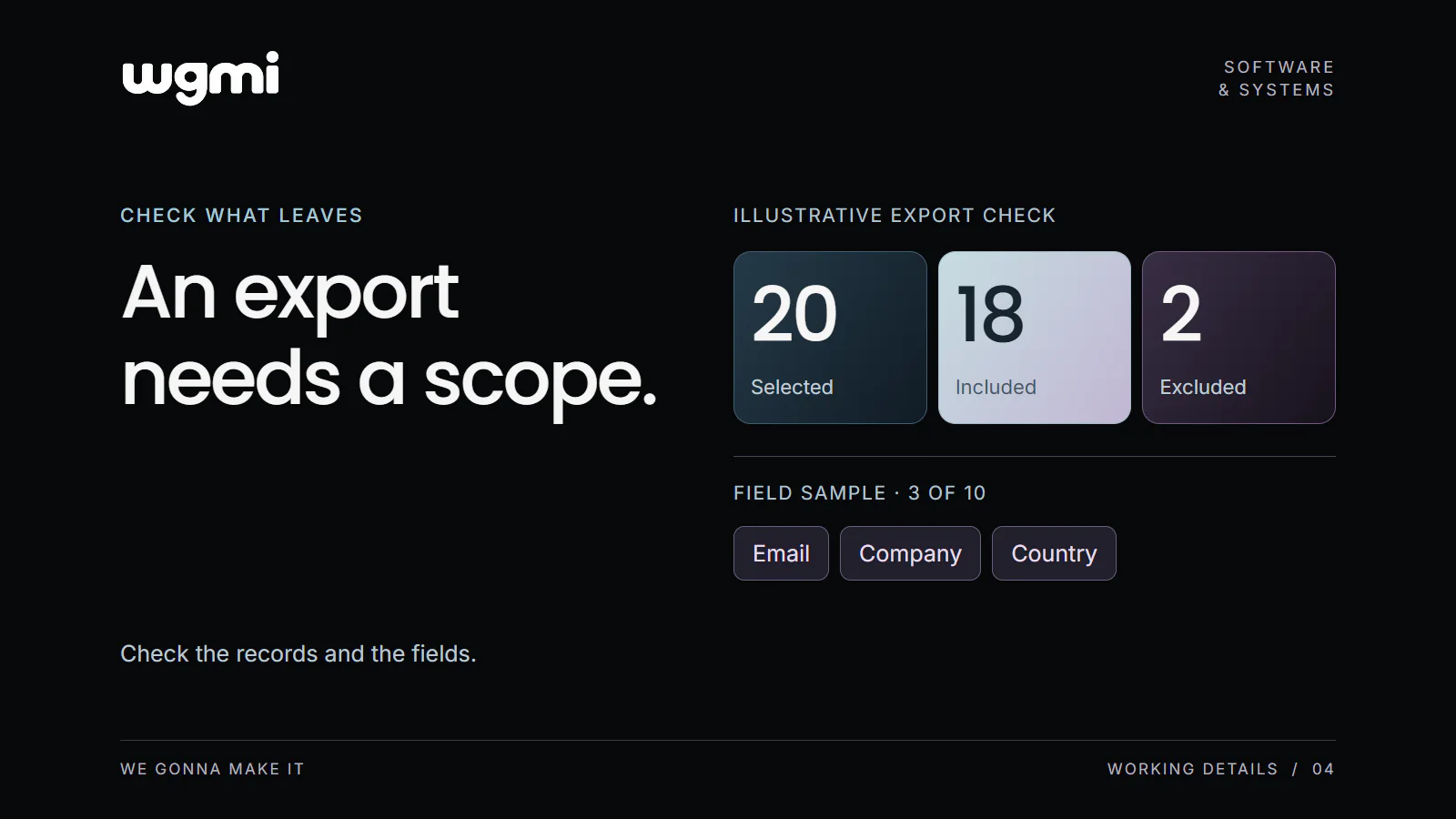
Consider a fictional example with 20 selected records. Suppose the preview reports 18 included, 2 excluded and no duplicate email removals. The figures reconcile, but you still need to inspect why the two records were excluded. A row count alone does not tell you whether the output meets your purpose.
Keep the groups separate while checking. Selected or matching records form the starting set. Eligibility rules determine which records qualify. Duplicate removal can reduce that set further. The included count describes the rows written to this file.
If the preview reports a limit, treat the result as a limited set and adjust the scope before repeating the check. Calling a selection “all” does not remove the need to inspect that warning.
These are fictional counts to illustrate the check. They describe no customer list or measured outcome.
Inspect the columns in a small file
Our suggested exercise uses a small, deliberate selection that you are authorised to handle. First, write the fields your next task needs. Compare that requirement with the export's documented field list. If a necessary field is absent, you can identify the gap before trying to use the file.
Next, inspect the preview counts and exclusions. Once the result is understood, download the sample and open it in the spreadsheet tool you intend to use. Look at the actual column headers and a few rows. Can you find the values you expected in the fields you expected?
The sample is also a chance to examine transformations. In this Taoro export, company name and shortened company name are separate fields. If the next step depends on one of them, inspect that column directly. Its presence tells you that a value can be carried; the sample shows the value that was actually carried.
Decide whether the file fits the task
A useful closing note can be short: the intended selection, required columns, observed included count, explanations for exclusions or duplicates, and any missing information that prevents the next step. This records what you checked without making a broader promise about every export.
The result may be that this file is enough for the intended spreadsheet task. It may also reveal that you need another source for information outside its scope. Either conclusion is more useful than discovering the gap after you have begun relying on the output.
Check one sample export against your written scope before relying on it.
Prepared for WGMI with AI assistance.