
Can your team find the answer without asking?
Test three real questions against the words, routes and results in your existing tools. Find one change that helps people reach a usable answer.
Someone asks where to find an instruction. You send the link. Later, another colleague asks the same question. The document exists and the team has a place to search, but finding the answer still depends on knowing whom to ask.
Our suggested check starts with three real questions and the route people take to answer them. It helps separate several possible problems: unfamiliar wording, an unhelpful result, a missing link or content that does not answer the question.
Keep the words people actually use
Choose three routine questions from recent conversations or support requests. Remove personal details before using them in a shared exercise. Keep the wording of the task, including an ordinary phrase that differs from your internal label.
For each question, write what the person needs to do after finding the answer. “Find the address document” is vague. “Find out whether I can change the delivery address for an order already being prepared” gives the search a purpose.
GOV.UK guidance on identifying user needs recommends using language people recognise and connecting content to their tasks. We apply that principle here as a small finding exercise. Three questions provide a starting point for improvement; they do not establish that every part of a system is easy to use.
Follow one question through the system
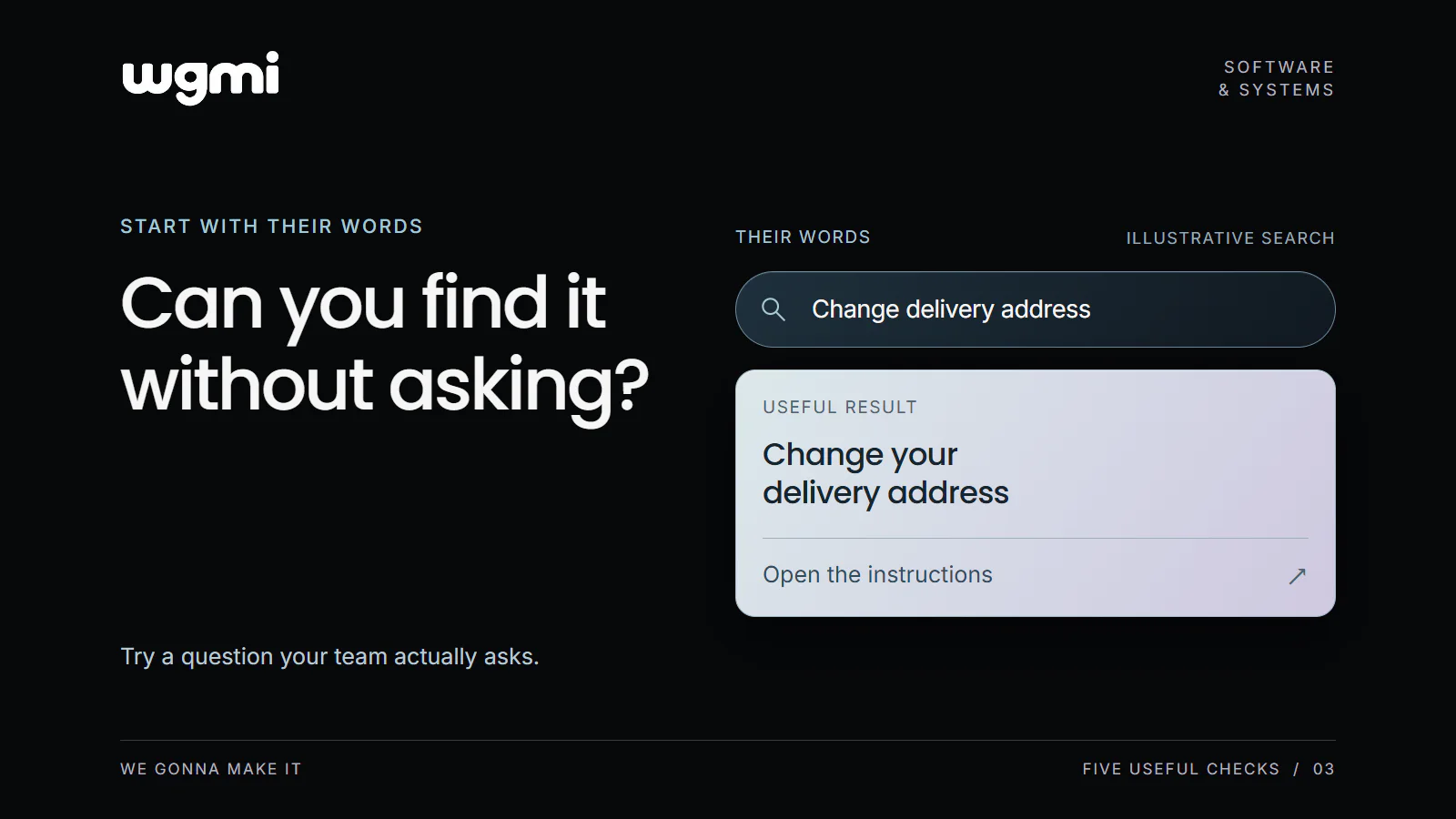
In an illustrative delivery team, the instruction is called Customer Record Maintenance. A new colleague wants to change a delivery address. The document's title makes sense to its author, who knows which records it covers. The colleague begins with the words from the immediate job.
Ask someone who did not write the instruction to find the answer. Let them choose their normal starting point. They might use a search box, open a familiar folder or follow a link from an order. Observe the route before explaining the organisation of the system.
Record the phrase they use, the result they choose and the point at which they ask for help. Then check whether the selected page answers the practical question. A successful search result must lead to usable information for the task at hand.
Make the result recognisable
A title gives the reader an initial reason to open a result. A short description can explain its scope: which situation it covers, which team it applies to or what the reader can do next. A familiar category can provide another route into the same material.
A small example from our own work is the WGMI journal layout. In the implementation we inspected, article cards include a title, a short summary when available and a topic when assigned. Topic filters appear above the list. These are separate cues a reader can use to decide where to go. This source review describes the layout; it does not establish how well readers find a particular answer.
For the delivery example, a title such as Change a delivery address could make the task more apparent. The opening description would need to explain whether it covers orders already being prepared. Test the wording with the people who use the instruction.
Choose the change that matches the difficulty
If people do not recognise the title, try a clearer label or summary. If they always begin from an order, consider placing a relevant link there. If they reach the correct page but cannot answer their question, review the content itself.
When a useful page exists but the expected words cannot retrieve it, examine the search configuration and supported terms. The exercise can give a technical colleague a reproducible example: this phrase, this expected page and this actual result.
Keep established specialist terminology where people need it. You can explain an unfamiliar term or add a plain language description without removing a precise name required for the work.
Keep a short finding record
For each question, capture four things.
Words: What did the person ask or type?
Route: Where did they begin, and what did they select?
Result: Which page did they reach, and could they recognise its relevance?
Next action: Could they use the answer to continue the job?
Choose one observed difficulty, change the relevant wording or route, and try the question again with another person. Keep the original observation so you can see what changed.
Pick three real questions and record the words, route, result and next action for each.
Prepared for WGMI with AI assistance.