
Do you need every field in your enquiry form?
Review one form by connecting each answer to a decision, a person and a moment, then check one practical change with the team receiving the information.
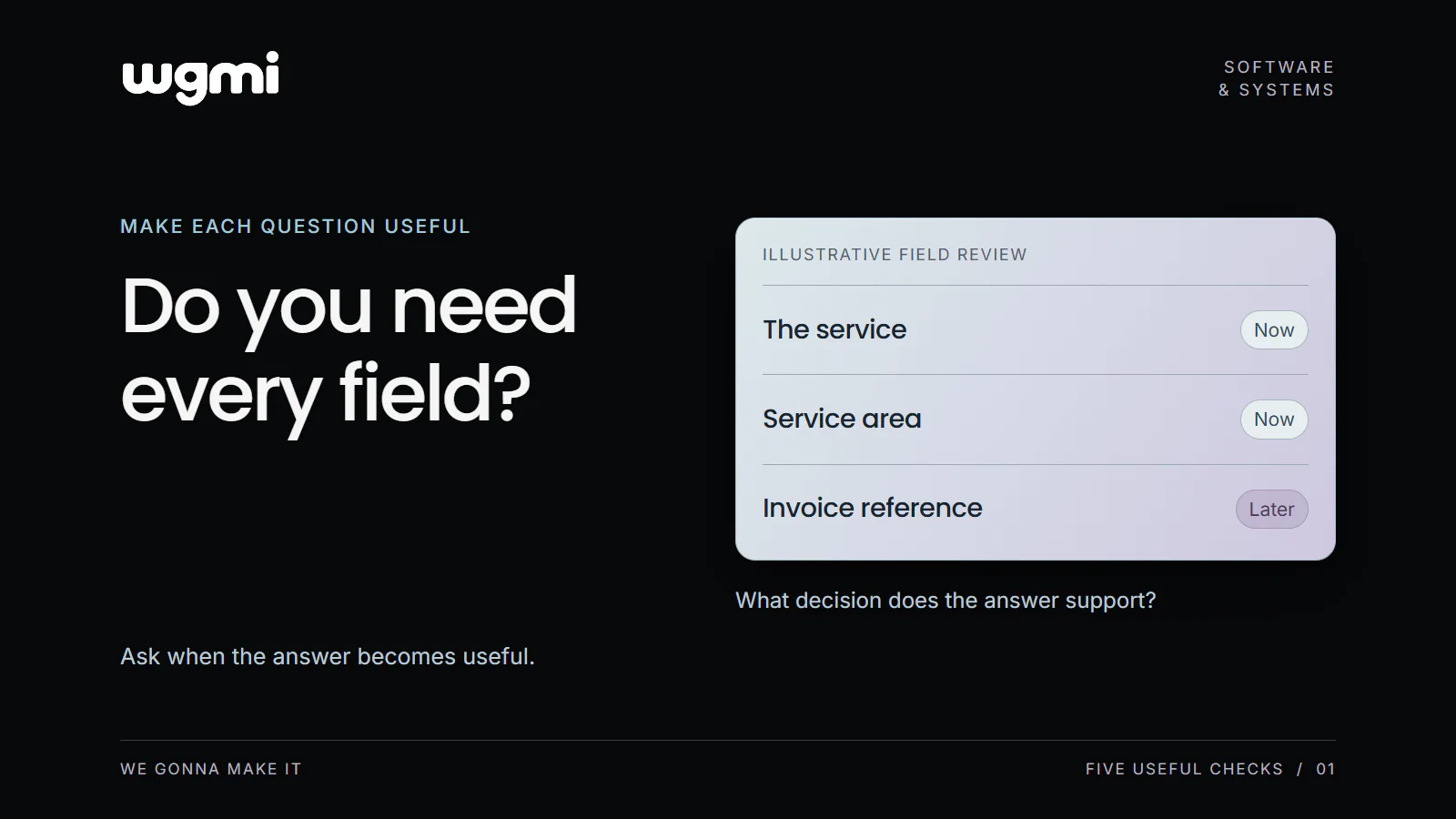
Your enquiry form asks for a name, email, phone number, company address and invoice reference. Each field probably arrived for a reason. The useful question now is whether the next person in the process needs every answer before they can do their work.
Our suggested field review connects each question to a decision, a person and a moment. It gives a business owner a way to discuss changes with the team before editing the form.
Choose the moment you are reviewing
Start with one form and write down what submitting it is supposed to make possible. An initial enquiry might give someone enough context to check whether a request fits the service and arrange the next conversation. A confirmed order may need delivery details. An invoice needs its own information.
These moments have different requirements. If a form grew by collecting questions from every later stage, the first review is to identify which stage each question belongs to. Keep the scope small enough that the person receiving the answers can walk through it with you.
Ask what changes because of the answer
GOV.UK question page guidance recommends knowing why each question is asked and collecting only information that is needed. It also recommends avoiding requests for information a person has already provided when possible.
For your review, put one field on each line. Beside it, record the decision or task that uses the answer. Then name the person who uses it and the moment when they need it. Ask that person to confirm the explanation.
A reason such as "someone might want this later" leaves an open question. Which person, for which task, and how will they receive the information? If there is a valid later use, decide whether that later stage is the right place to ask.
Work through a small example
Consider a fictional cleaning service. Its first enquiry form helps the team check the requested service, check whether the property is in its service area and contact the customer about the request. It does not confirm a booking.
Requested service: The coordinator uses this to check whether the business can handle the type of work. It belongs in the first enquiry.
Property postcode: In this example, the coordinator uses the postcode to check the service area. The full street address can wait until the team needs it for the agreed next stage.
Email address: The team needs a way to reply. If email is the agreed contact route for this form, explain that beside the field.
Invoice reference: The accounts team uses this when preparing an invoice. For this fictional enquiry, it can be collected when invoicing becomes relevant.
The same field can belong earlier in another service. A full address may be essential to assess a site visit, for example. The review should follow the actual work and the people responsible for it.
Keep the requirements that make the work possible
Before changing a field, check the records, routing and validation that depend on it. Making a field optional in the browser will not help if the receiving system still requires it or the team has no way to act on an incomplete request.
Also distinguish an optional answer from a person being unable to answer. If "I do not know yet" is a valid state, represent it clearly and agree how the team handles it. Keep essential checks and explain why necessary information is requested.
When the review identifies a change, test the complete path with an example request. Check what the person submitting sees and what the receiving team gets. Confirm that the next task can still be completed.
Write down the decision for one field
Use this short review note with the person who handles the answers:
Question: What exactly are we asking?
Use: Which decision or task depends on the answer?
Person: Who uses it?
Moment: Is it needed for this step or a later one?
Change to check: Keep, explain, make optional, move later or remove. Record the reason and any receiving system that needs checking.
The result is a specific conversation about one question and its purpose. It gives your team a manageable change to verify.
Review one form and connect every required field to a person, a decision and the moment it is needed.
Prepared for WGMI with AI assistance.