
What can one interaction explain about your product?
Use a simple storyboard to decide whether a product idea needs an interactive sketch or a short video, with a fictional room planner example.
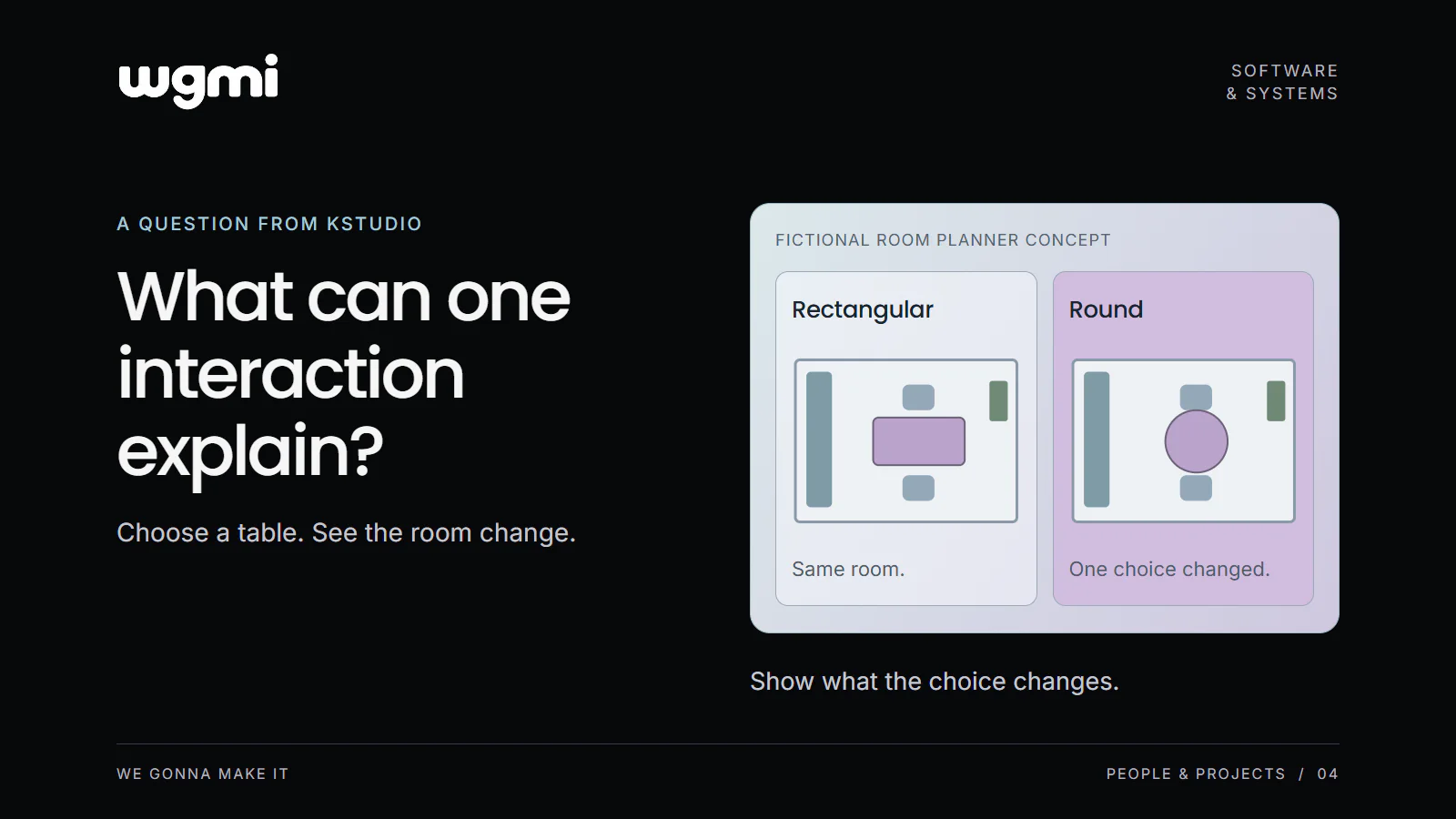
You want someone to understand a product feature. A video could show it. An interactive sketch could let them try a choice. Before committing to either format, write down what the person should understand at the end.
Our suggested test is a small storyboard with three parts: the action, the visible response and the intended lesson. It gives you a concrete way to examine what an interaction contributes to the explanation.
Where the question comes from
KStudio's creative work includes playable ads, explainers and product videos. These are different ways to present an idea. A playable invites an action. A video can guide someone through a chosen sequence. The format decision deserves a place in the brief.
Consider a fictional room planner as a starting point for the brief. We can use it to explore what a person's choice would add to the explanation.
Choose the idea that should become clear
Imagine a room planner in which someone can compare furniture choices. The proposed explanation focuses on how a table shape changes the room layout. We are not trying to teach the entire planner, explain every control or show all its possible uses.
That narrow intention lets us describe one interaction precisely. A person selects a round table. The room view updates with that table in place, including the surrounding space. The intended lesson is the relationship between their furniture choice and the layout they see.
The screen would need to make both the choice and its consequence legible. For this sketch, the room, camera position and other furniture would stay the same. That would let a reviewer inspect the proposed difference without also having to account for a new viewpoint.
Write the storyboard before polishing it
The three lines for this fictional concept could read:
Action: Select the round table option.
Visible response: The same room view shows the round table in place of the rectangular table.
Intended lesson: A furniture choice changes how the room is arranged.
Now inspect the connection between those lines. Would the visual response actually show what the lesson describes? If the table only changes colour, the sketch would explain a colour choice. If the layout difference is too small to recognise, that is a question to resolve before spending time on polish.
It is also useful to write what the sketch leaves out. This one would not demonstrate purchasing, delivery, exact measurements or whether a particular table fits a real room. Those would require their own verified information and explanation.
Decide whether the person's choice matters
A short video may be enough if the aim is to show where the table controls are and how to open them. The viewer can follow the sequence without choosing an option themselves. A recording or an illustrated walkthrough could explain that path.
An interactive sketch may be worth exploring if the intended explanation depends on comparing options selected by the viewer. In our example, the person could switch between table shapes and inspect the difference. That choice gives the interaction a specific job in the concept.
After sketching either version, check whether someone new to the idea can follow it. Their response can help you decide which parts need further explanation.
Review the idea with someone new to it
For an early review, a few rough screens can make the proposal discussable. Present the starting screen, let the reviewer indicate a choice and reveal the corresponding response. Ask them what changed and what they think the feature does. Record their answer before explaining your intention.
Use this early review to decide what to clarify. If the reviewer describes a different lesson, inspect the wording and visual response. Perhaps the selected option needs a clearer label, or the result needs to make the change more visible.
The storyboard is useful even when the decision is to make a video. It has already named the idea the explanation must carry. You can use that to choose the opening view, the action to demonstrate and the result to keep on screen.
Complete three lines for one feature: Action. Visible response. What the person should learn.
Prepared for WGMI with AI assistance.